Jessica Lipnack’s Story of a Virtual Presentation Prep

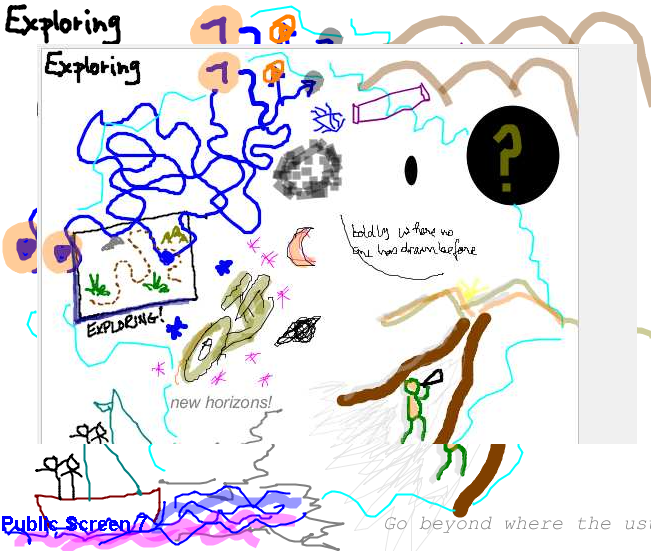
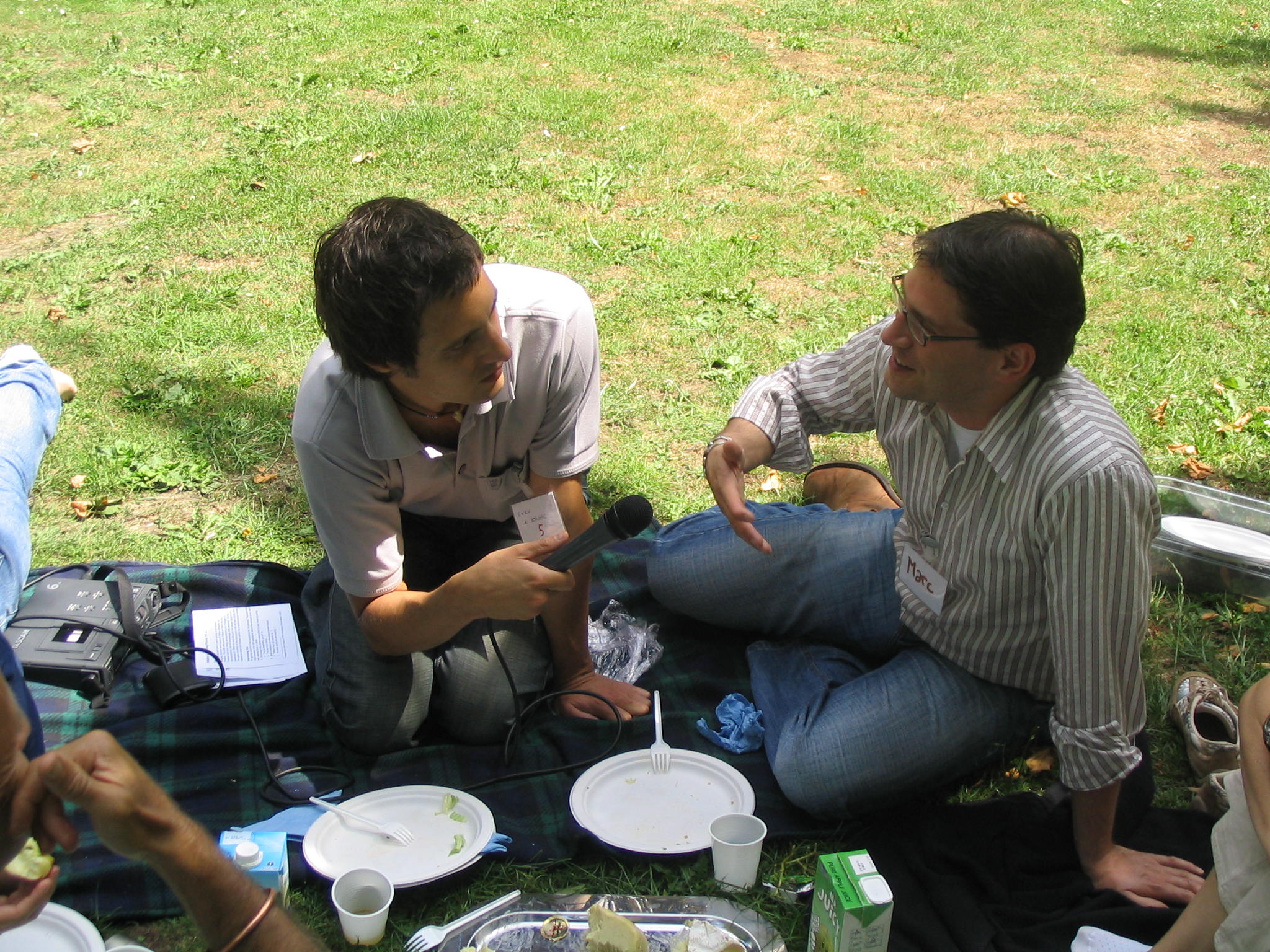
There are a pile of good lessons on presentation preparation in Jessica’s blog post,  Endless Knots: In the future, now: presenting virtually, but I appreciated all the layers around virtual collaboration, about walking the talk at every level when we talk about sustainability, virtual teams and collaboration. Sweet! Thanks, Jessica! Here is a snippet, but click in to read the whole thing.

OK, so what was so special about this? I always vet my presentations with clients and usually have a back-and-forth to fine-tune. This was the most global preparation I’ve ever done and I say this having done quite a number of these virtual presentations. And by the time we were done with all the preparation, Karl, Jacobina, and I felt like a team.

Zoom and Re-Zoom for Facilitators

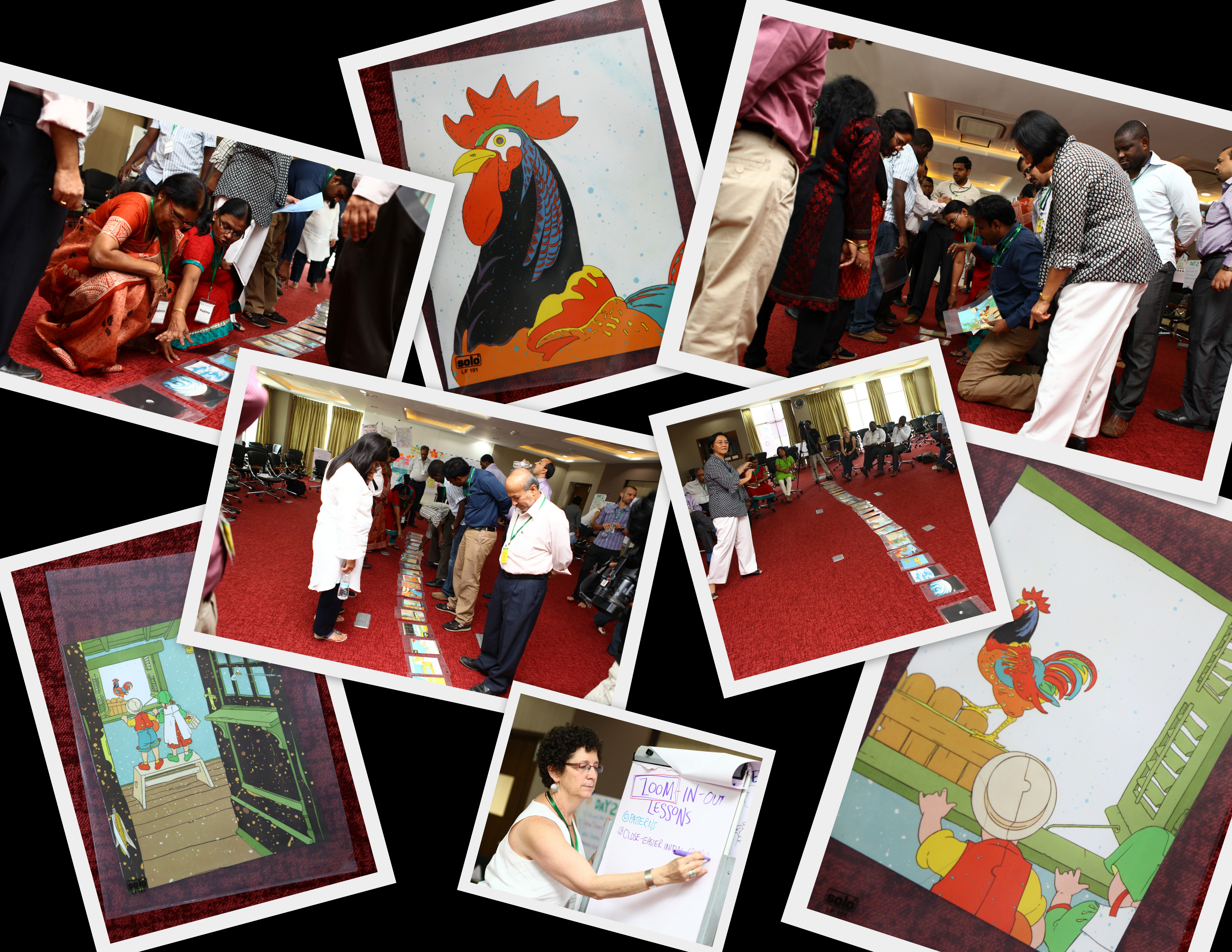
Last month I finally got a chance to use a facilitation activity called Zoom which I found on the Wilderdom’s Game resource page — a great resource!  I deeply appreciate that they put the “copyleft” designation on all their resources. THANKS!  As I learned and read facilitation ideas from other sites, I realized I should share some of my experiences as well. Here is the description from Wilderdom’s resource page (which also includes all instructions – I’ve attached a pdf copy at the bottom for taking to an event, but please DO visit their page!):

This game is based on the intriguing, wordless, picture books “Zoom” and “Re-Zoom” by Istvan Banyai which consist of 30 sequential “pictures within pictures”.  The Zoom narrative moves from a rooster to a ship to a city street to a desert island and outer space.  Zoom has been published in 18 countries. The Re-Zoom narrative moves from an Egyptian hieroglyphic to a film set to an elephant ride to a billboard to a train.

I’ve done similar activities, but I love the multicultural perspective of Istvan Banayi’s books, so now I’ve stocked up on multiple copies of both ZOOM and RE-ZOOM, and have on my to do list to break them down and put into protective pages. I left the last set with my colleagues at ICRISAT in Hyderabad. I am also keeping my eye out for used copies, because I like the idea of leaving the book pages behind for groups to use with OTHER groups they work with. Viral facilitation and collaboration!

We did the exercise with a large group of social scientists who work in different parts of the world. Most of their work is done in smaller teams, but there was a real need to connect as a whole team as well. It was very interesting to observe the exercise. First we started with the version where you can’t show your card to anyone else. The group didn’t make much progress finding their order. Imagine if we had tried the “no talking” version! With the “no show” round, I asked if they were ready to show and see if they got it. There were some totally confident and others totally sure they did not have it. So I asked them to put themselves in order (again without showing the cards) and then we’d check.  Uh uh, not even close.

Then they used visual clues to reorder the series. This is where a few individuals really went to work and the rest of the group stood back. It was an interesting shift in agency. When there was a higher degree of “not knowing,” more of the team participated in working the solution.

When we debriefed, I did notice a shyness to share some of the observations people gave me individually as the power dynamics in the group made some of these things harder to say. I try not to be the voice for others in the room, so I had to represent my observations as just that — my observations. But I need to think more critically how to handle this during the debrief.

Here are a few angles on our play together…

zoomcollage1


Resources from Wilderdom, copyleft – please share with attribution out of kindness!

Quick Revisit of Web Meeting Tools – What is your favorite?

I just received a request for some quick suggestions for picking a web meeting tool. I cobbled a few quick thoughts here (really ought to edit this properly, but maybe later.)  I’d love any additional opinions and suggestions.

My Selection Criteria

OK here are the criteria I use for evaluating web meeting systems, followed by a few quick brand comments. But you need to know, I am very focused on interactive engagements, so I’m biased away from tools that are broadcast-centric and hierarchically controlled!


Purpose, Purpose, Purpose! What are you going to do?

First be clear on the range of purposes you need the tool to support. There is a big difference between a “broadcast model” and a small group working session. Some tools can’t handle that range, particularly at the more interactive end. For broadcast to large groups, you need a host that can support that many connections, so consider size range. Consider what types of content you need to share/host and what kinds of activities you need to foster.

Related to purpose is cost — if something is REALLY important, does it also have a budget line or do you need to use just free tools?

Specifics (in no specific order!)

1. Audio Connection Technology: Can it accommodate Phone bridge AND VoIP – this may not be crucial for you, but when I’m working internationally, it is. 😉

2. Recording: Can it record calls? Do you need just the audio or do you need the audio and video? Do you need them separate? Can those calls be saved in a non proprietary format? (I.e. Blackboard’s web meeting is a proprietary file that has to be replayed via their web platform. It can be export to a common .wav  or mp3 (for audio only ) files but you have ot know how to do that. ) Is file size an issue?

3. Diverse Participant Roles/Controls: It has a chat room where participants can chat peer to peer and not just mediated through a moderator. Webinars create a pretty significant power imbalance when only the moderator(s) can allow anyone to do anything. For a broadcast situation, this is fine. For engagement, you need more options for devolving control and agency to participants in an appropriate process and with appropriate technology. This means:

  • a peer to peer chat room (I MUST HAVE THIS FEATURE!!!)
  • ability to easily pass moderator roles to a person or more than one person. (For example, if you have to be the moderator to use the white board, then can you make EVERYONE a moderator.
  • sometimes having a private chat option is important
  • sometimes a controlled/moderated question queue is important. (I don’t tend to use those myself…)

4. White board. I can’t help myself, I’m visual. Particularly I like whiteboards where everyone can participate. I also like it when whiteboard tools can be used to annotate slides.

5. Applications/screen sharing: For web tours, showing things, etc.

6. Ability to share slides: Both in-app and via screen sharing. Sometimes one is better than the other. That said, please don’t bore me to death with your slides!

7. Do you need video? Some platforms support one camera at a time, others (like Adobe connect) support multiple cameras giving that sense fo F2F conversation. (Called multi-point video display)

8. Bandwidth tools: Does the platform have technology to ameliorate the impacts of diverse participant bandwidth?

9. Polling tools:  I like these — and ease of use of the polling tool is important to check. I like both planned and ad-hoc options.

Advice: Don’t believe the hype — TRY IT!

Don’t just believe the marketing materials! Try it and try it with the size group you plan to work with!

Tools I’ve Tried:>

  • Blackboard Collaborate (formerly Elluminate) – Great whiteboard, very stable, proprietary recording format, good adjustments for different bandwidths, higher on the cost end… @thatchmo also likes this tool!
  • Adobe Connect – good for multi-camera video, decent white board, chat room, etc.
  • WebEx – there are different webex products – make sure you trial the one you are looking for. Some are more broadcast oriented, some are more collaboration focused.
  • LiveMeeting – Very higherarchically controlled. I would not recommend.
  • GoToMeeting – recently changed and I have not evaluated the newer platform. I’ve read that there are some challenges in recording meetings.
  • MeetingBurner – for smaller, team meetings, but not so great for large groups
  • I’ve also used Google+, Skype, etc, but I suggest you avoid systems where people have to have a username/password. These are, however, great for ad hoc groups and G+ recording and autoposting to YouTube is slick! We used it this past fall for an online course. @BonnieZink likes G+

Resources:

And if you for some bizarre reason want more to read on webmeeting process:

Now, what are you thoughts? Criteria? Recommendations?


Academic Portfolios & Badges – Want to think together?

I’ve had a long association with the Agricultural Sustainability Institute at the University of Davis and I get the opportunity to lend a hand here and there on projects. The latest in the MacArthur Foundation funded  Digital Portfolio/Badges project that Joanna Normoyle is working on for the new Sustainable Agriculture major. The problem is this: I don’t really know much about this sort of thing. I’ve been a long time skeptic about badges, but Joanna sucked me in by asking about how we can build more reflective practices into the system and that, my friends, excites me.

So the next thing I thought was — I need to tap my network! I sent out a tweet and pretty soon some terrific people responded. Of course, this was also when I was crazy busy so I decided instead of tweeting back, I’d start this blog post with an offer. How about it @soletelee,  @openbadges, @lbraun2000@emgollie @eknight , @kwerb, @pblhq, @dlnorman, @carlacasilli from Mozilla,  @donpresant,  @VennLibrarian and @dajbelshaw (“the badge guy for Mozilla Foundation.”) Care to jump into a little peer assist?

Joanna and I wonder if you’d like to find 30-60 minutes for a Google+ Hangout where Joanna can show you the thinking so far and just get some feedback. Are you game? If yes, leave a comment here. Joanna and I will try and find some time in the next ten days.

Update: Meeting time fixed! 

Hi Everyone,

Thanks for filling out the doodle. It looks like tomorrow, 11/27, 11:30-12:15 PST will work well.

Here’s the meeting link and talk soon!

Joanna

1. Please join my meeting, Nov 27, 2012 at 11:30 AM PST.
https://global.gotomeeting.com/join/357610317

2. Use your microphone and speakers (VoIP) – a headset is recommended. Or, call in using your telephone.

Dial +1 (805) 309-0027
Access Code: 357-610-317
Audio PIN: Shown after joining the meeting

Meeting ID: 357-610-317


GroupWorks Deck Method Mapping at NCDD2012

This past weekend I’ve been hanging out at the National Coalition for Dialog and Deliberation‘s national confab, NCDD2012. Synopsis? Amazing people. Also it was great to connect with folks I’ve met/known online and demoralizing to NOT connect with others who were there in the flesh. Not enough time or energy. 🙁

Thursday I took part in pre-conference workshop using the fabulous Group Works Deck to map out the elements of a variety of group methods and processes. (I wrote about the deck a while back here. )

As we did the exercise, I realized that I needed the narrative with the map, so took these off the cuff videos, now debuting as this week’s Monday Video.

via GroupWorks Deck Method Mapping at NCDD2012 – YouTube.

What I noticed about the mapping was the more we did it, the more discerning we became at identifying the essential “spine” of a method AND,through reflecting on the other possibilities offered by the patterns in the cards, observed new ways of “fleshing out” the method depending on context. In other words, the cards enabled us to have great learning conversations about the methods. Very cool. I plan to use the cards a lot in the coming weeks of crazy work and travel! I also deeply appreciated all the knowledge in the room. As I learned about Participatory Budgeting from John Kelly, I was getting all kinds of ideas about how to reapply the basic idea to Knowledge Sharing/Budgeting (in terms of time and attention — which seems to be a big problem in my world these days!)

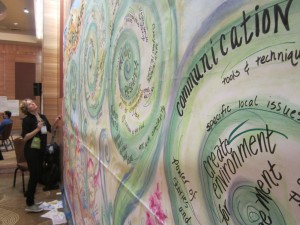
At the meeting, I also was part of a fabulous team of visual practitioners who volunteered to do a visual capture of the plenaries of all three days as a unified product. Tim Corey helped us envision a 24 x 8 foot image and then we all figured out a) how to work together to b) make a coherent capture. I’ll write more about this later after our debrief, including links to all the fab people I got to work with. But it was great fun and a lovely learning laboratory.


Other NCDD Materials:

  • NCDD 2012 Tweets (I hope someone Storify’s them or harvests them before they are gone. It was not a huge tweeting crowd, but there are some good captures!)
  • My photos, including some not-so-great images of the giant collaborative graphic capture 8 of us worked on (better images to come)